
For independent gyms
See who is in, who owes, and who expired.
GymOS runs the front desk: members, packages, door check-ins, and the cash you collected today. One gym or a small chain. Not a call-center product.
14-day trial. No card.
Today at reception
LiveAllowed check-ins
47
Cash collected
$18,400
In grace
6
Need a word
3
Ahmed Khan
M-0142
Grace$3,000 due
Sara Malik
M-0208
ActivePaid
Omar Riaz
M-0311
Expired$6,500 due
Money usually walks out in the same three places
If this sounds like your desk, the gym is running on memory.
01
Renewals live in a notebook
Someone remembers on Thursday. By then the member already skipped a week and is talking to the gym down the road.
02
Expired members still walk in
The scanner opens because nobody told it the package ended. You find out when the till is short.
03
Nobody can close the day
Fees, balances, and walk-ins sit in three places. The owner asks how today went and gets three different numbers.
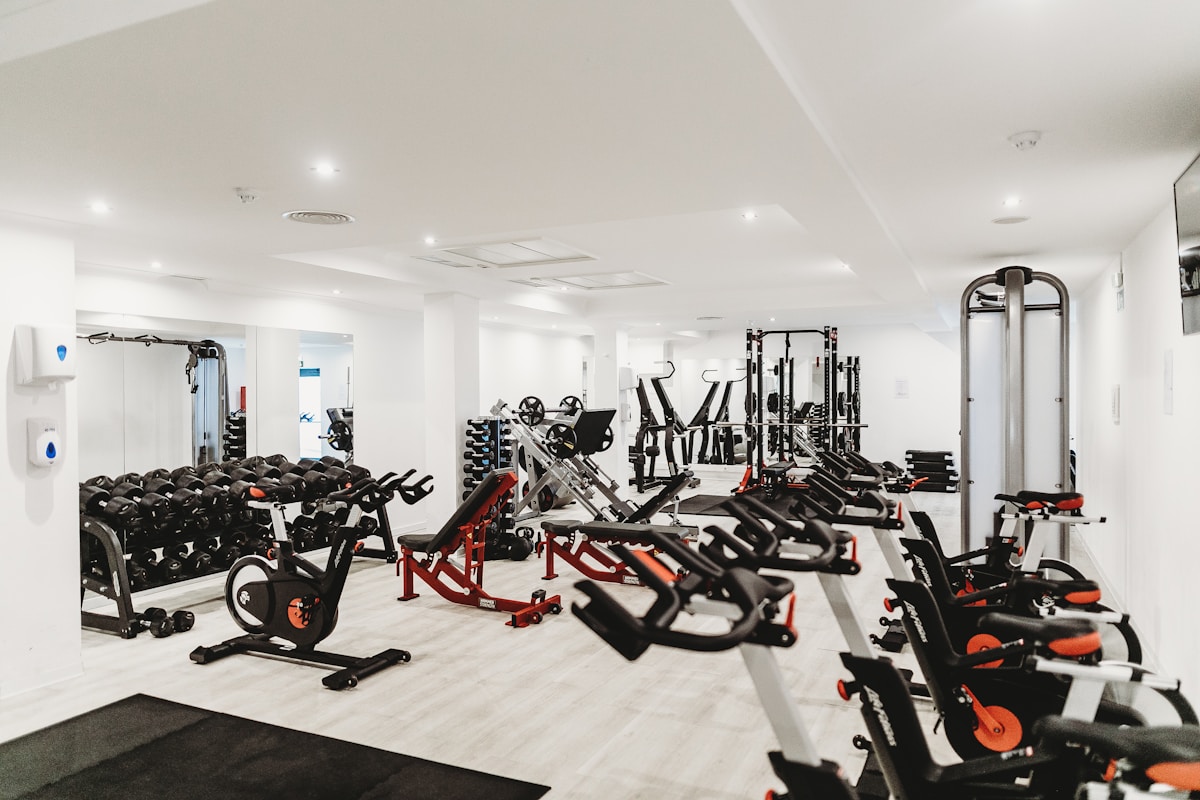
Bikes, racks, dumbbells. The floor you already run.
The desk work, in one place
These are screens your staff already use. We did not invent a new job title for them.
Members and packages
Register someone, put them on a package, and see grace or expired without opening a spreadsheet.
Renewals and invoices
Print a receipt or email it. Take a partial payment if you allow it. The balance stays on the member.
Door and fingerprints
ZKTeco scanners at the door. Expired members can be blocked until they renew. Unknown scans sit in a list.
Today’s money
Cash collected, renewals, and unpaid balances on the dashboard your receptionist already has open.
Email, SMS, and WhatsApp
Keep the member updated from the desk. Renewal notes, a short promo, and a support reply go out on the channel they already open.
Receipts by email, not paper
Send the invoice and the receipt when they pay. No printout to lose. The copy stays on the member.
Trainers and commissions
Assign a trainer, record a payout, and see what the gym still owes. Optional if you do not run PT.
Trainer desk
Each trainer signs in at /trainers and sets diet, exercises, and rest days for their own clients.
Member desk
A member opens /your-gym/client to see the package, due date, and the trainer plan.
English, Urdu, and Arabic
Switch the whole desk, including dates. Dark mode is there for late shifts.
Coming later
On the board next
The trainer and member desks are live. The phone app is next.
Mobile app
The same gym on a phone. Staff at the door, members on the way in. Not a second product.

The bar does not move itself. Neither does the desk.
Up in an afternoon
Step 1
Register the gym
Name, owner login, and a short review. You are not buying hardware on this page.
Step 2
Add the packages you already sell
Monthly, quarterly, personal training. Prices stay in your gym’s currency.
Step 3
Open the desk
Register a few members and take a renewal. The trial is 14 days once you are approved.

The work happens here. GymOS keeps the desk in step.
Start on a trial. Pay when the desk is running.
Prices are per gym, per month. Start free. Upgrade when the desk gets busy.
Starter
$19/ month
- Up to 50 members
- 1 staff login · no trainer module
- Packages, renewals and front-desk attendance
14-day trial · no card needed
Pro
$49/ month
- Up to 500 members
- Revenue reports and receipts
- Walk-in trials
14-day trial · no card needed
Business
$99/ month
- Door scanners and reminders
- Trainers and commissions
- Offline desk if the line drops
14-day trial · no card needed
In every plan
- English, Urdu, and Arabic
- Unlimited packages and renewals
- Daily backups
- Your data stays yours. Export any time
Questions owners ask first
Is this our data or yours?
Your members, invoices, and door logs stay in your gym. Another gym cannot search them or open them. There is no shared list. Support does not sit in your gym unless you open a session for them.
Do we need a fingerprint scanner on day one?
No. You can run members and renewals without a door device. Add a ZKTeco scanner when you are ready.
Can we email, text, or WhatsApp members from GymOS?
Yes. Email, SMS, and WhatsApp sit in settings. Use them for renewals, receipts, and a short promo. You use your own provider account.
Can the receptionist work in Urdu or Arabic?
Yes. English, Urdu, and Arabic are in the language menu. Dates follow the language.
What happens after the trial?
You pick a plan and keep the same gym. Members and invoices stay. Nobody asks you to start over.
What if the internet drops at the desk?
Higher plans can keep the saved dashboard in the browser. Writing new members still needs the line back.


Open the desk on GymOS this week
Register the gym, wait for a short approval, then use the 14-day trial on real members.